Почему Google Safe Browsing режет Push-подписки?
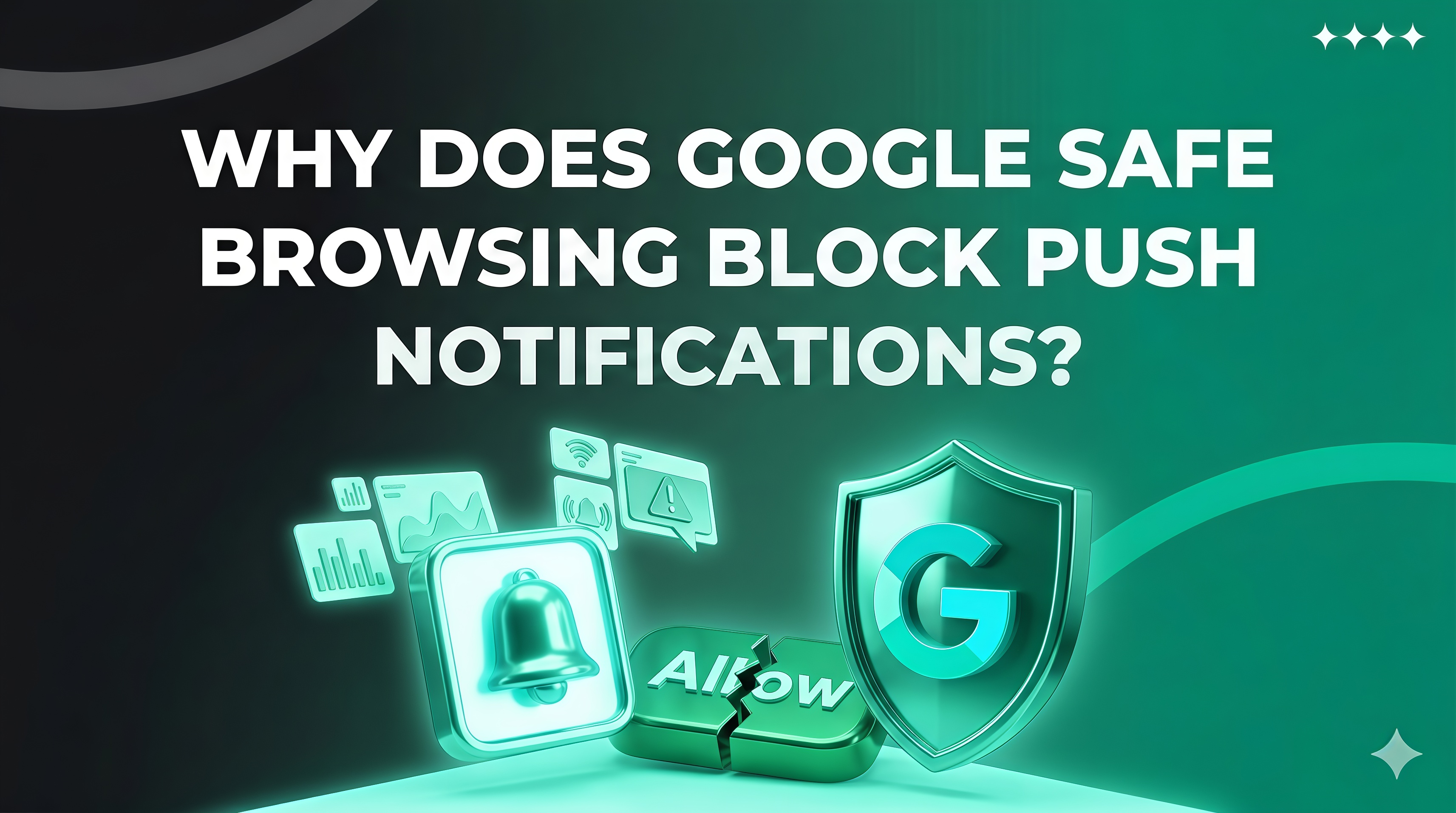
Even with perfectly optimized campaigns, high-quality traffic, and effective creatives, the number of push subscriptions can suddenly drop. The cause is often not the traffic source, but Google’s browser restrictions, which directly affect the subscription flow and publisher revenue.
In this article, we’ll explain what Google Safe Browsing is, how it works, and why accounting for it has become critical for push monetization.
What is Google Safe Browsing
Google Safe Browsing is a protection system built into Chrome and other Google products. Its purpose is to identify websites with potential threats, such as: malware, phishing, intrusive redirects, suspicious scripts, and attempts to deceive users.
If a site receives a negative rating, the browser may restrict its functionality:
- Hiding or blocking the subscription dialog
- Limiting service worker functionality
- Displaying warnings about unsafe sites
- Completely interrupting the subscription flow
For publishers, this results in a sharp drop in conversions: users click on ads but cannot subscribe, wasting the advertising budget.
Why Safe Browsing is Critical for Push Subscriptions
Push subscriptions depend on the browser. Chrome controls the native subscription window, the service worker, and notification delivery. Any negative decision by Safe Browsing directly blocks subscription functionality.
Even a single “red flag” from Google can halt database growth entirely. This makes Safe Browsing a strategic factor for push traffic management.
Main Reasons Safe Browsing is Triggered
Subscription landing pages are under close scrutiny from Google. Restrictions usually occur due to:
- Aggressive redirects and multi-step flows that look suspicious
- Poorly optimized or third-party scripts
- Intrusive pop-ups, fake notifications, or forced subscription attempts
- Technical errors on the page, broken elements, or improper loading
- Poor domain reputation, especially if it was used in gray-area verticals
Even one of these factors can reduce subscriptions and impact revenue.
Domain Reputation as a Key Factor
For Safe Browsing, the domain is the primary trust indicator. Frequent use of a domain across multiple verticals, changing scripts, or past filters all increase the risk of being flagged.
Once flagged, the subscription may appear functional visually, but the dialog is blocked or hidden. Publishers notice a sharp drop in subscriptions without any campaign changes — this is the “Safe Browsing effect.”
How Safe Browsing Affects Revenue
Subscriptions are the foundation of push monetization. Any Google-imposed restriction slows database growth, reduces campaign efficiency, and makes cost optimization unreliable.
Ignoring Safe Browsing can lead to:
- Wasted budgets
- Incorrect optimization decisions
- Decreased campaign ROI
Accounting for these restrictions is essential for stable revenue.
How to Minimize Safe Browsing’s Impact
While you cannot fully bypass Safe Browsing, you can reduce its impact:
- Use clean domains and avoid mixing verticals
- Avoid aggressive redirects and risky flows
- Maintain the technical health of landing pages and scripts
- Regularly check domains using official Google tools
- Test subscriptions directly in Chrome, not just via tracker reports
These preventive measures help maintain a stable subscription flow and predictable revenue.
Conclusion
Google Safe Browsing is more than just a browser limitation — it’s a systemic factor that determines push monetization efficiency. In 2026, a publisher’s competitiveness depends on domain reputation, landing page accuracy, and understanding browser protection mechanisms.
Publishers who build long-term strategies with Safe Browsing in mind achieve sustainable database growth, stable revenue, and minimal risk of blocks.
Today, push marketing is not just about creatives and traffic. It’s about system control, technological discipline, and understanding browser restrictions.
Share this article
Send it to your audience or copy an AI-ready prompt.